Skip to content

Desktop PDF editor · Windows

Your PDFs.
Your rules.

Edit, sign, convert and protect your documents. Right on your computer.

  • Windows

Free for personal use

$5 per seat per month, or $50 per seat per year, for professional use

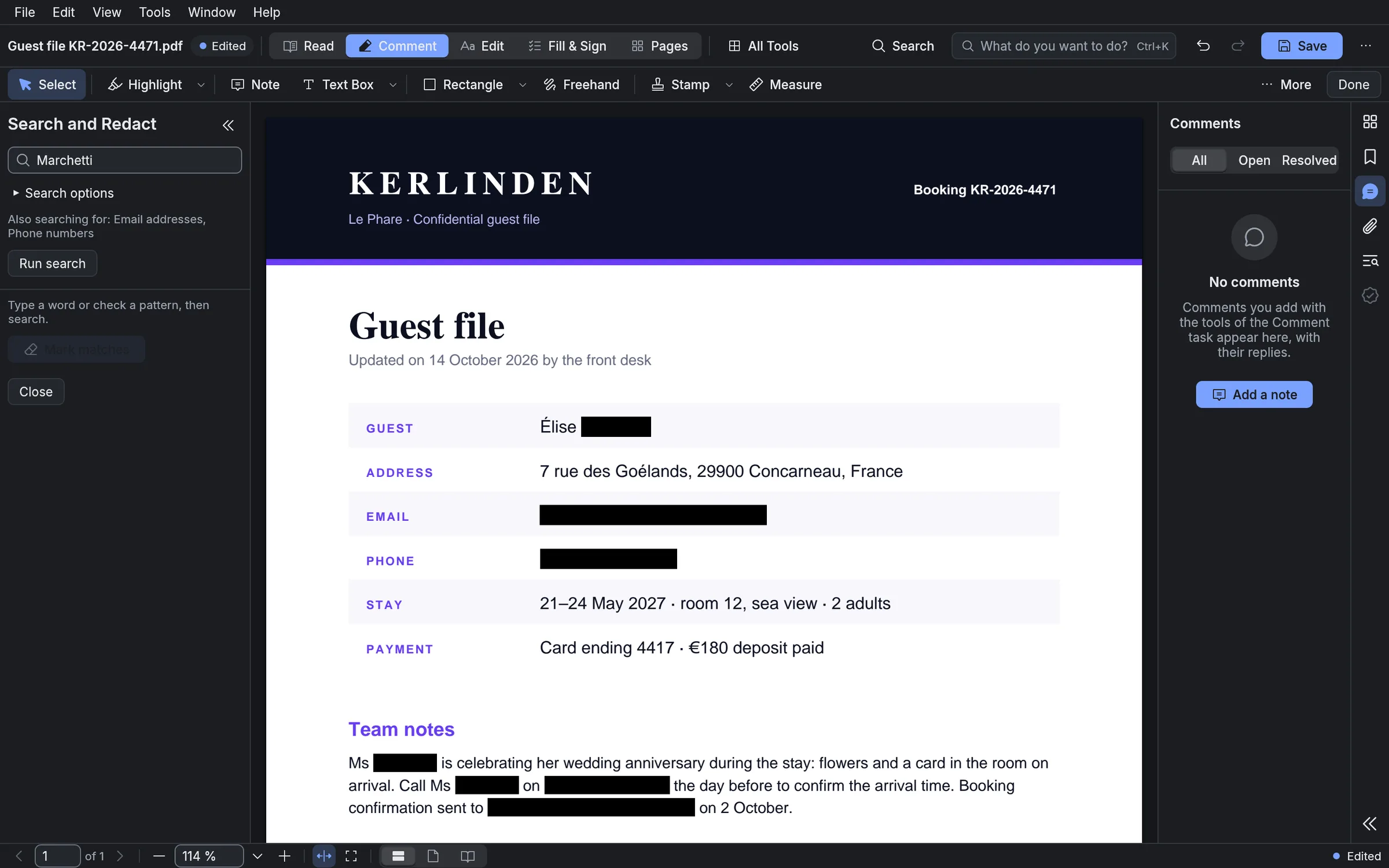
Modal PDF: a guest file with names, email addresses and phone numbers permanently blacked out

Everything you need

The power of a complete editor.
The freedom of working locally.

Modal PDF brings together, in a single application, the tools you need to work efficiently with your PDF documents.

Edit

Edit text, images and layout directly in your PDFs.
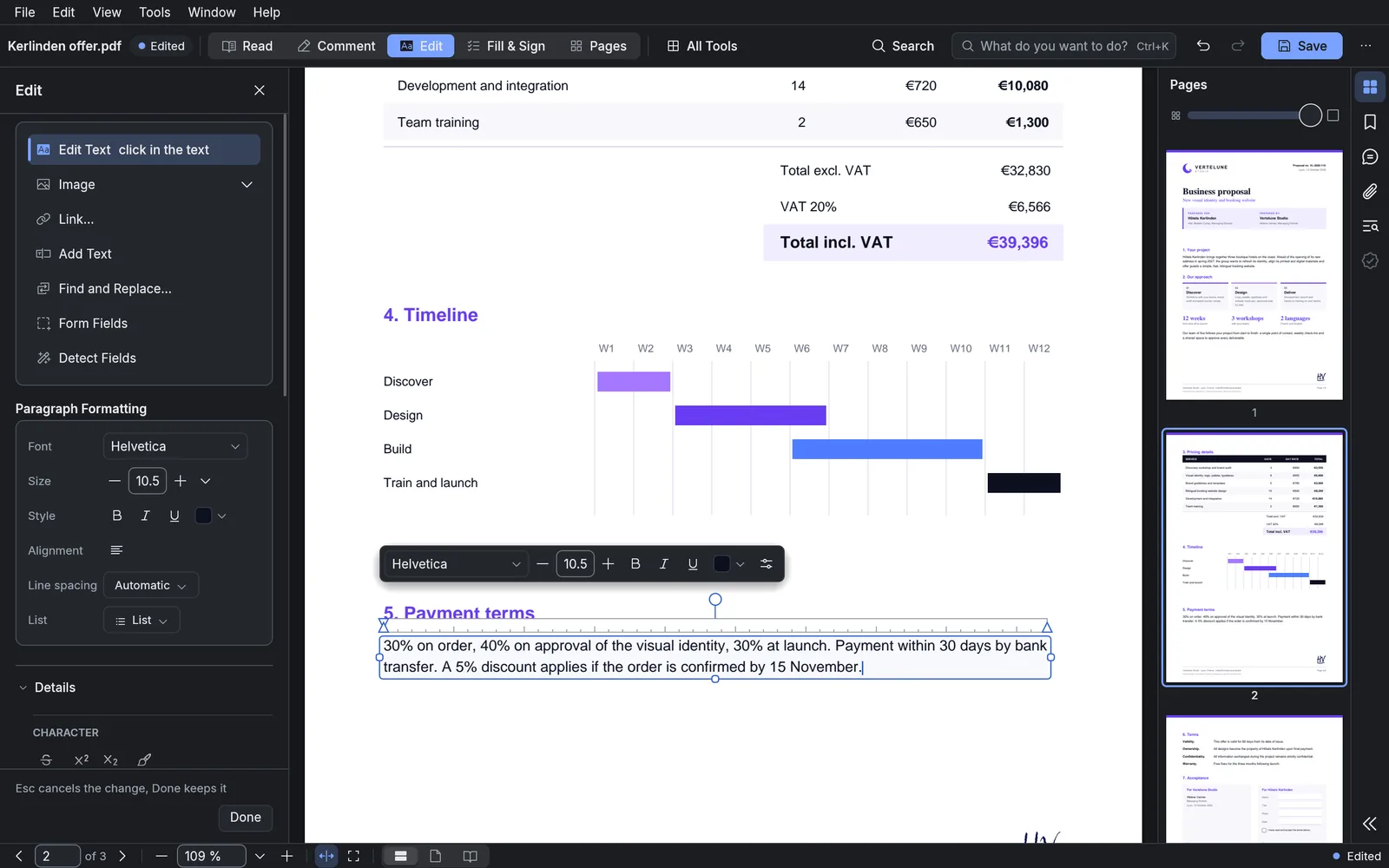
Modal PDF: a paragraph being edited directly on the page, with a formatting bar above it

Sign

Sign your documents on your computer, with your signature, initials and date. Electronic signatures are included for everyone, individuals too, at no extra cost.
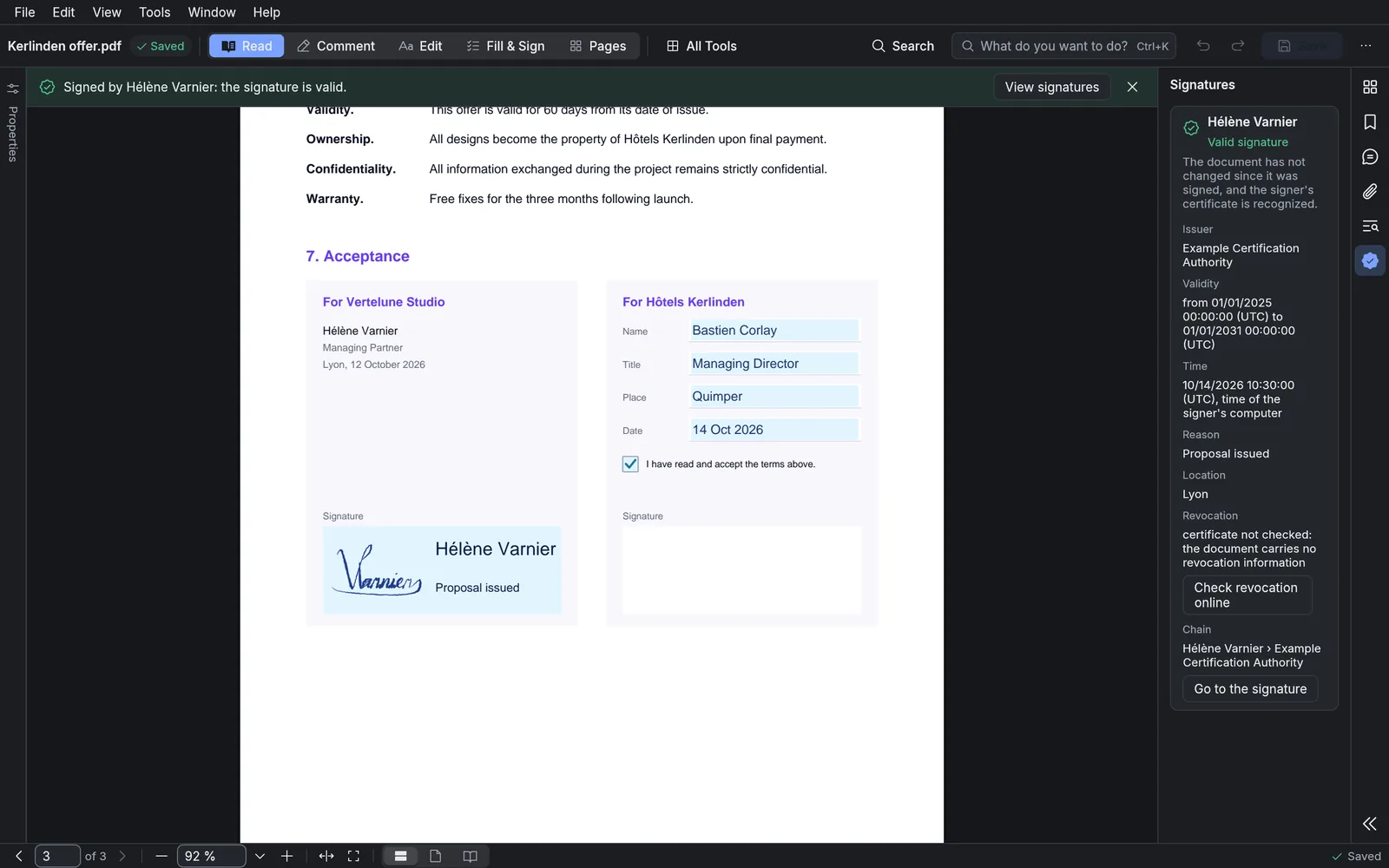
Modal PDF: a signed document, with a message confirming the signature is valid and the signature details on the right

Convert and recognize

Convert your PDFs to Word, Excel, images and more. Scanned pages are read automatically, so their text can be searched and copied.
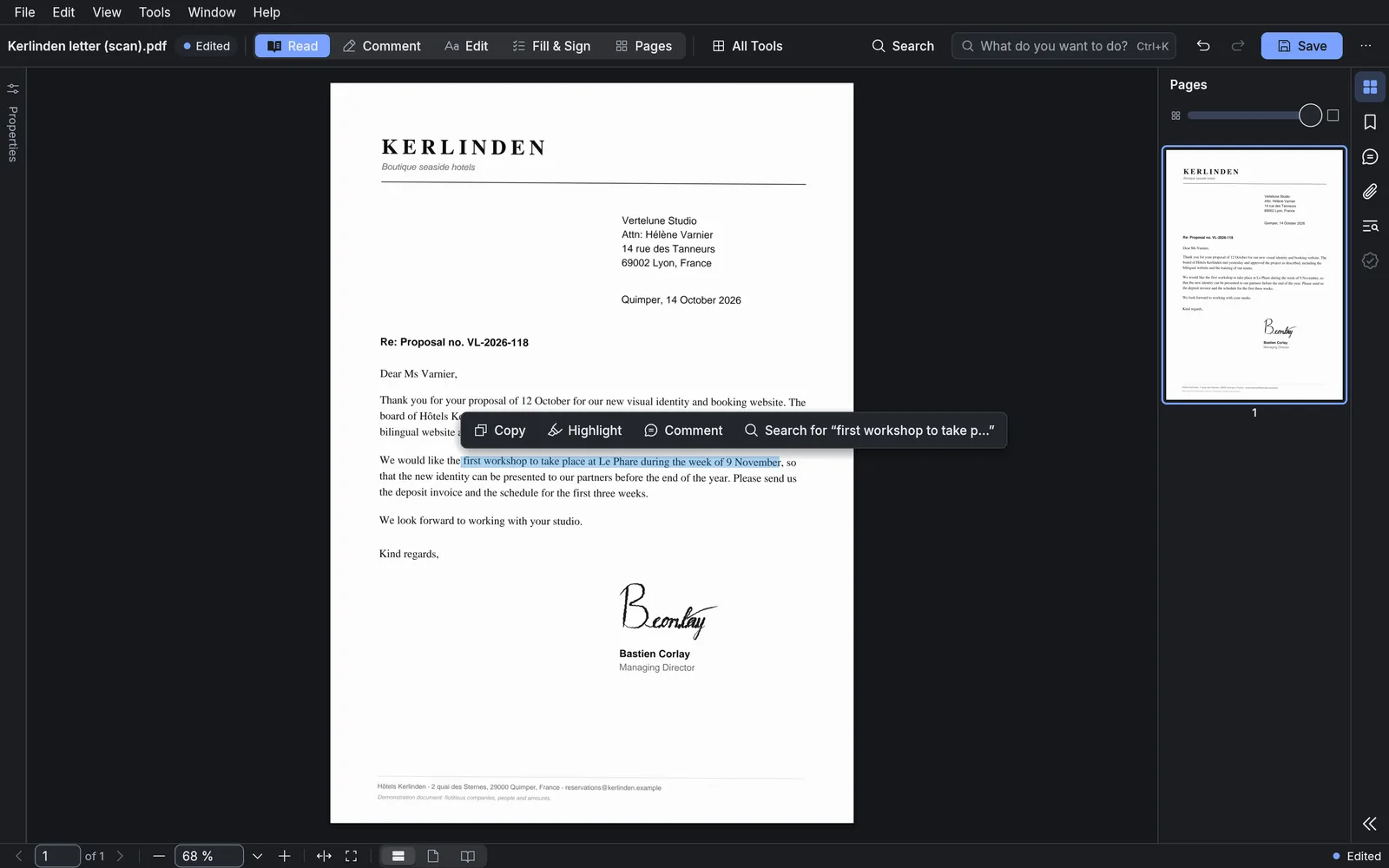
Modal PDF: a scanned letter after text recognition, with a sentence selected and Copy and Highlight buttons

Forms

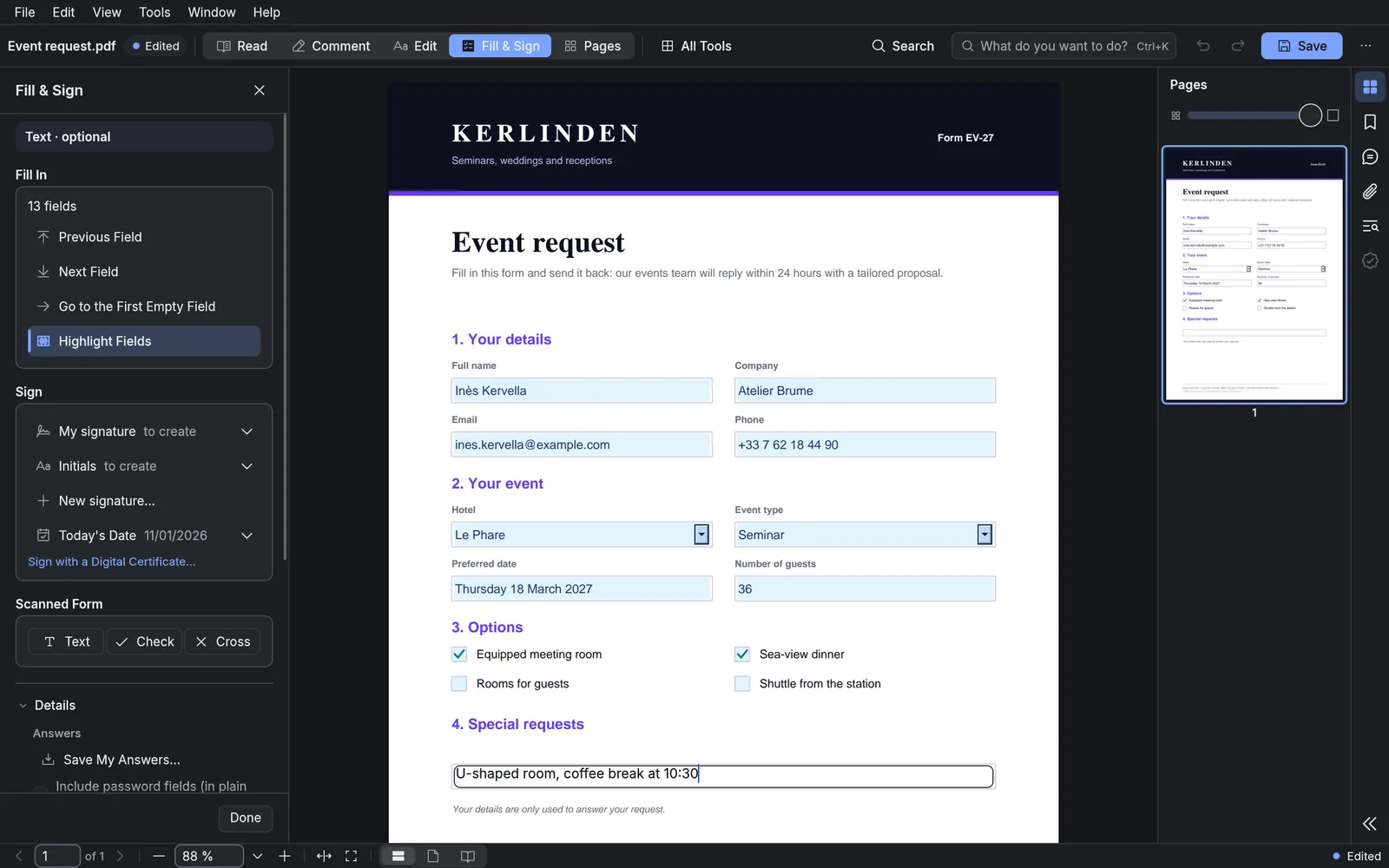
Fill in and prepare PDF forms.

Modal PDF: a form being filled in on screen, with the list of fields on the left

Protect and redact

Permanently redact sensitive information, protect your documents and remove hidden data.
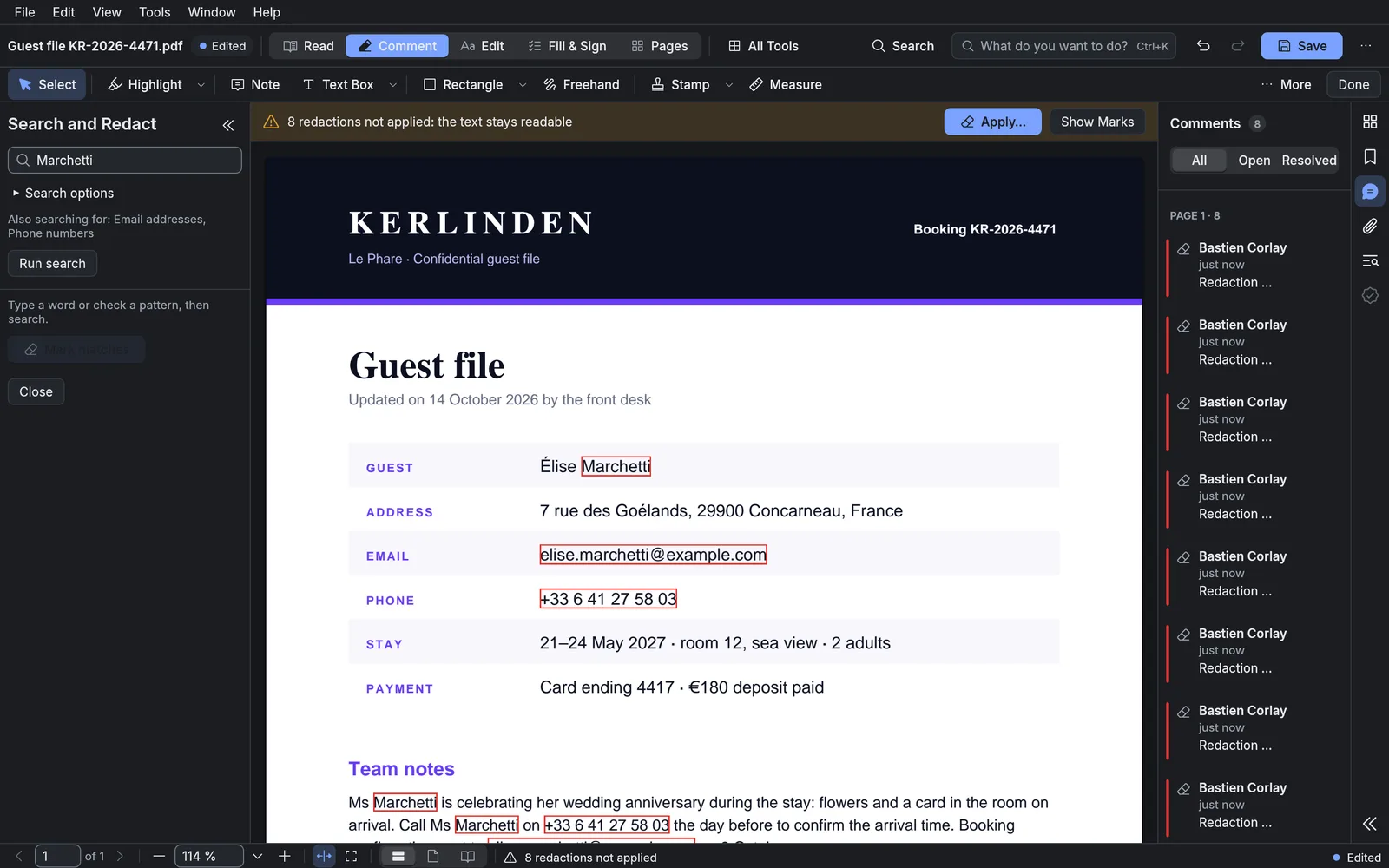
Modal PDF: a guest file with the sensitive details outlined in red, ready to be redacted

Annotate and comment

Annotate and comment on your documents.
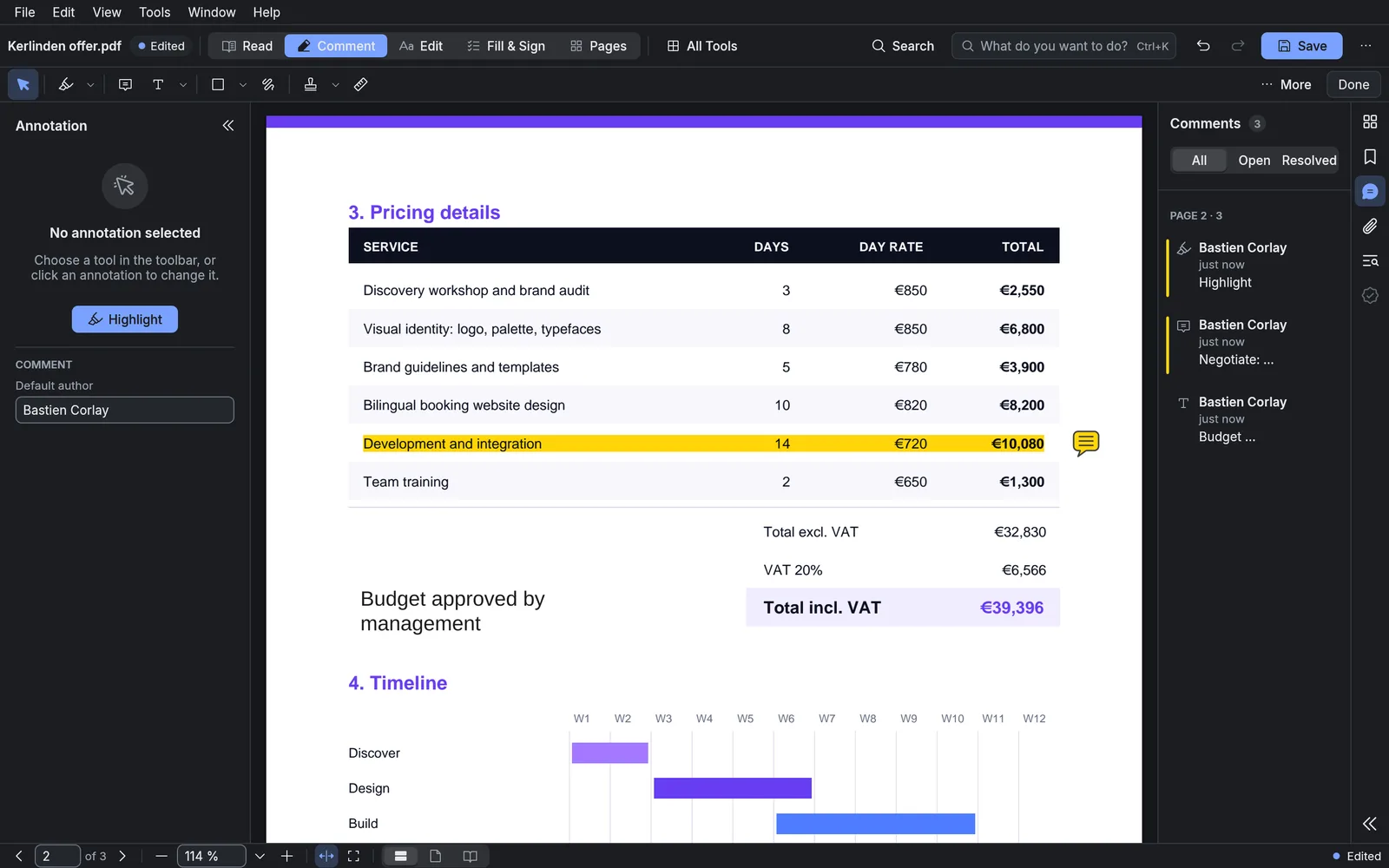
Modal PDF: a price table with one line highlighted and the list of comments on the right

Your documents stay with you

Processed locally.
Kept private.

The essential operations run directly on your computer. You stay in control of your files.
  • Files are processed on your computer.
  • Works offline.
  • Updates are under your control.
  • Optional online services for some features.

Simple, transparent pricing

For every kind of use.

Free for non-professional use. Professionals subscribe per seat.

Individuals

Free

  • All features.
  • No time limit.
  • For non-professional use.

Professionals

$50

/ year per seat

  • All features.
  • Professional use permitted.
  • Updates included for as long as you subscribe.
  • No key or activation, works offline.